
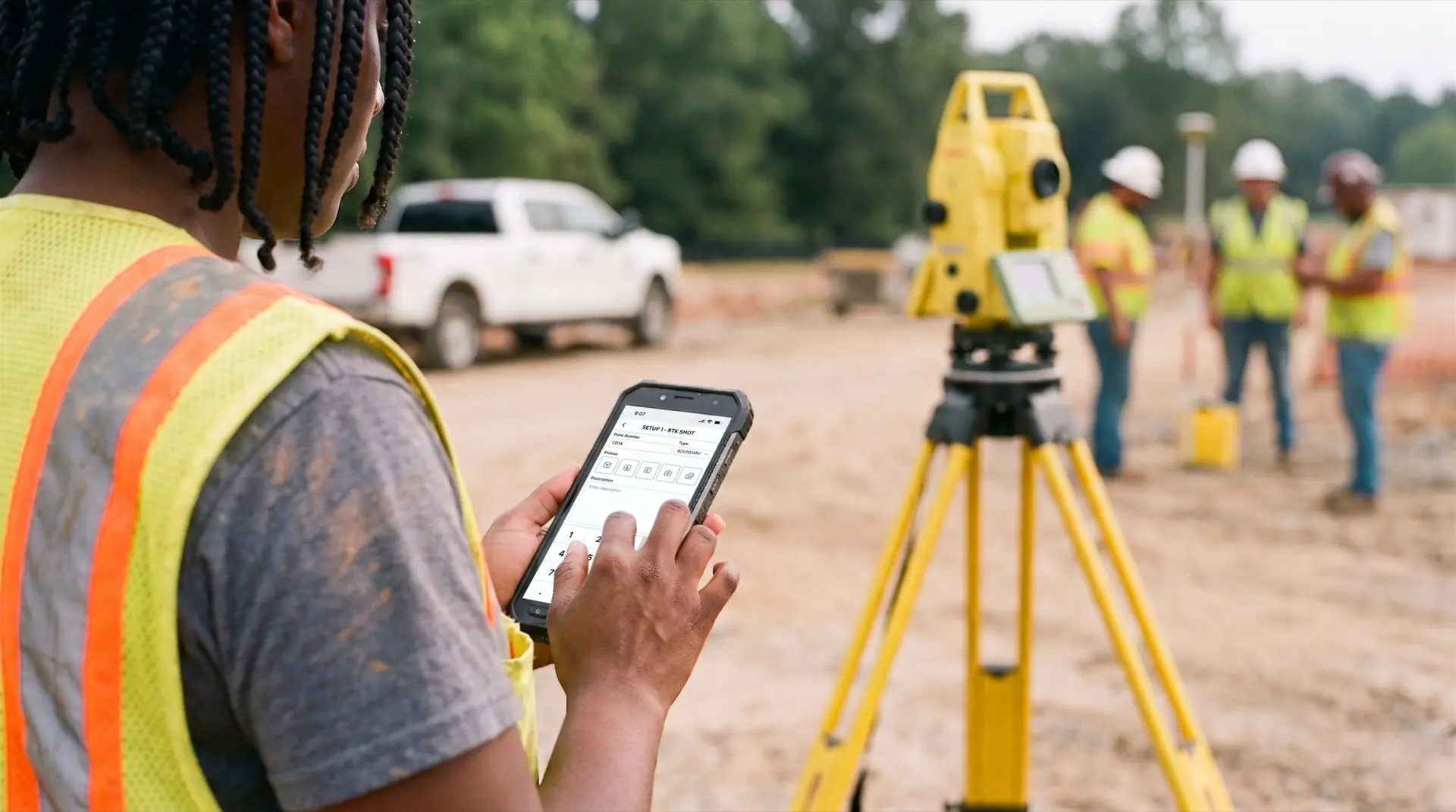
One app. Both sides of the survey.
The phone captures the record in the field. The desktop reviews and reports it in the office. Same project, same record, no transcription in between.
Capture the whole job with one free hand.
The mobile app tags every photo and note with location and time the moment you take it. No setup, no login fatigue. Open and go, online or off.
Open your project
Pick the job from your list. The app keeps context across sessions.
Document your work
Photos, notes, and dictated observations, each tagged with location and time.
It's done
Everything syncs to the office when you have signal. The Field Journal builds itself.
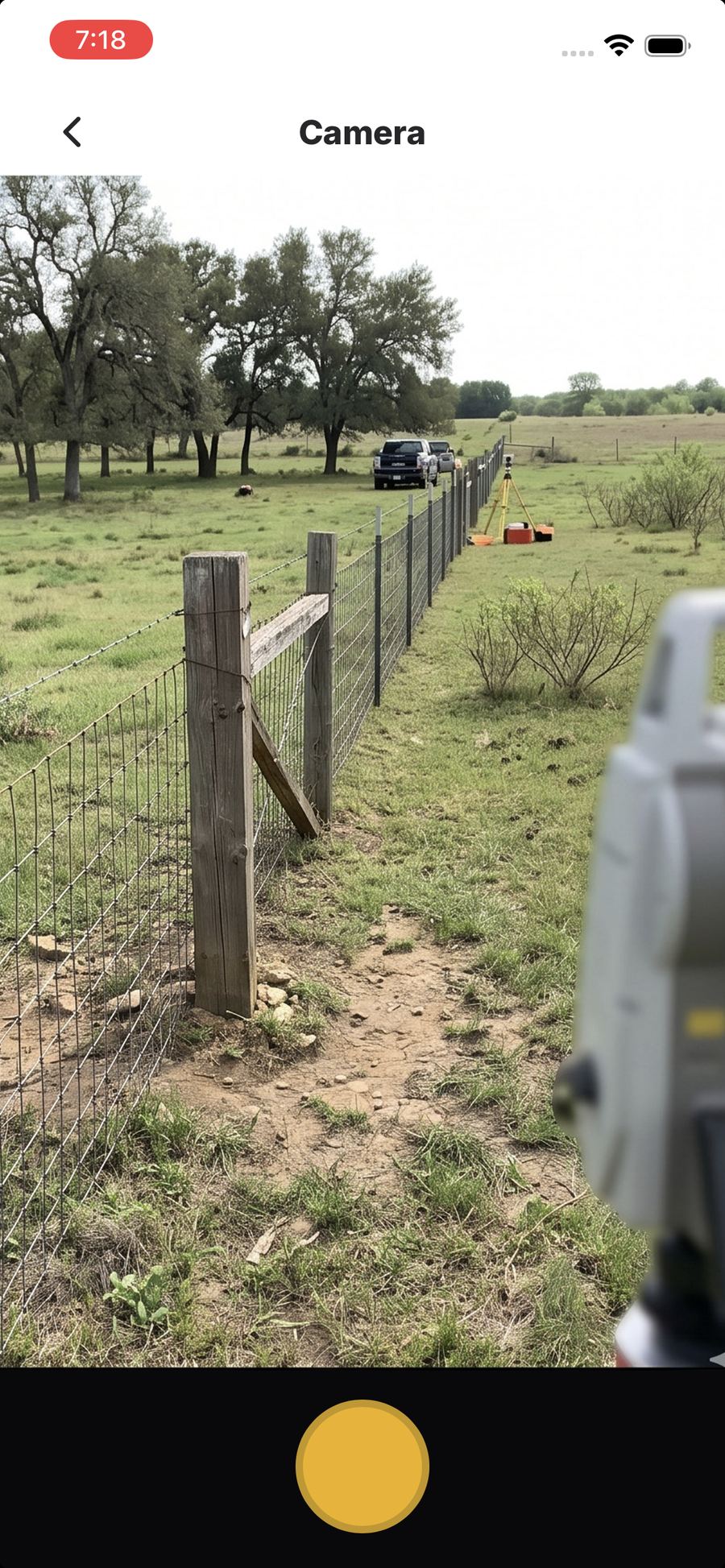
One tap in the field. GPS, time, and project attached.

Speak your note. It writes itself.
Talk to type, say what you see, and it lands in QuickNote as typed text. Hands-free, so it keeps listening while you work. The transcription runs right on your phone, so it works with no signal and nothing leaves the device. Built for sun, dirt, and one free hand.
See the field from your desk, in real time.
The desktop side is review, not data entry. The office sees every photo, note, and signature the moment the crew captures it. No status call.
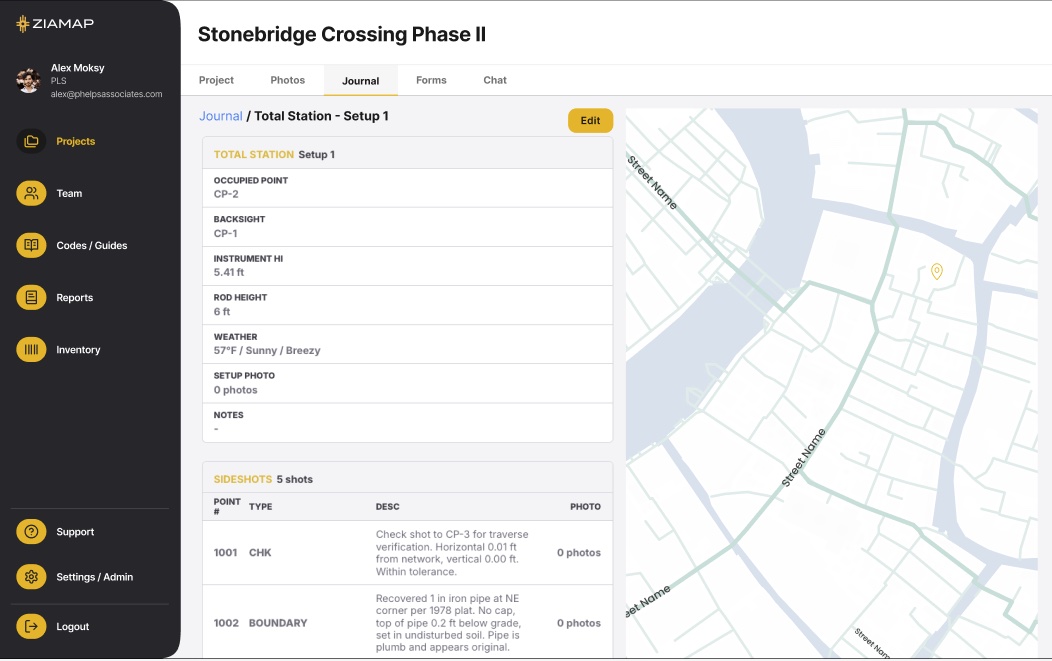
Interactive map view
Every capture placed on the project map. Click any pin for the photo, note, and metadata.
Custom PDF reporting Coming soon
The Field Journal exported as a stamp-ready PDF. No formatting required.
A clean, complete record
Who, where, and when on every entry. Read-and-review, so field records stay as captured.
No app store. Install in one tap.
ZiaMap is a Progressive Web App. Open it in your browser and add it to your home screen.
On iPhone (iOS)
- Open ziamap.com in Safari.
- Tap the Share icon.
- Tap "Add to Home Screen".
- Open ZiaMap from your home screen.
On Android
- Open ziamap.com in Chrome.
- Tap the menu (three dots).
- Tap "Add to Home screen".
- Open ZiaMap from your home screen.
Get your hours back.
$399 a month for your firm, up to 20 people. We set up your first live job with your team.